Create Your Player Profile
Your profile is your identity on ClubsZone. Link your Discord account, claim your EA username, and let clubs find you on the recruitment board.
Steps
Sign in with Discord
Click the avatar icon in the top-right corner of the navbar and complete the Discord OAuth flow. Your Discord identity becomes your ClubsZone login — no separate password needed.
Make sure you are using the same Discord account you use in your Pro Clubs community server.
Claim your EA account
Head to /profile and enter your EA username exactly as it appears in-game. The platform will fetch your Pro Clubs stats live from EA servers and attach them to your profile.
EA usernames are case-sensitive. If the lookup fails, double-check spelling and try again.
Set your position and availability
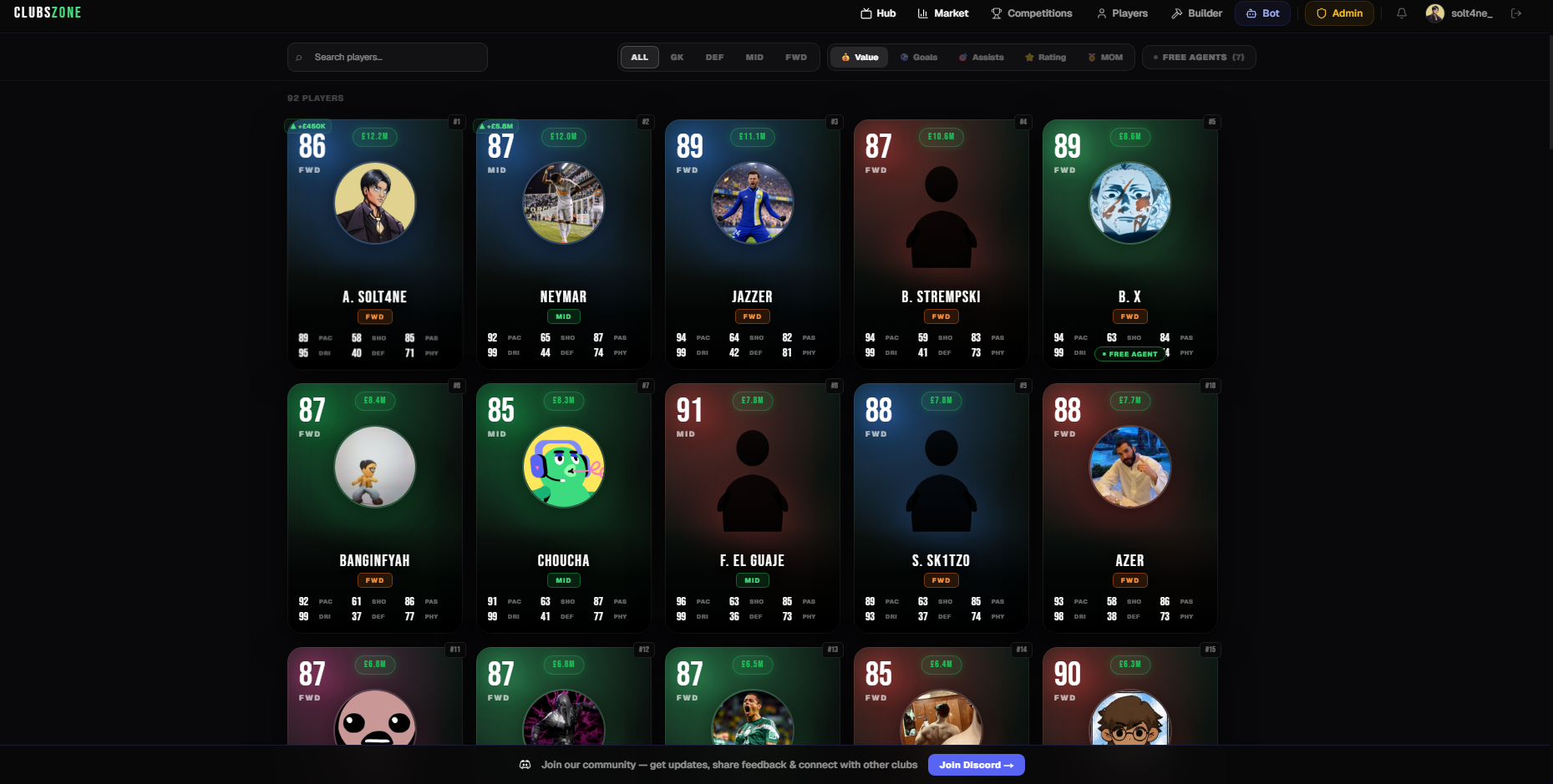
Choose your preferred position (GK, DEF, MID, FWD). Toggle the Free Agent switch to make yourself visible on the Recruitment board so clubs can discover and invite you.
Write a looking-for message
Add a short note explaining what kind of club you are looking for — play style, schedule, division goal. This appears on your Recruitment card and helps club managers decide to invite you.
Keep it specific. Mentioning your timezone and weekly availability dramatically increases your chances of getting quality invites.